
✨ Individual Effect: Copy and Reuse Visual Effects
An Individual Effect is one visual effect in your DoraPiano scene, such as particles, fire, or light. You can now copy one effect and reuse it in another scene without replacing the rest of your setup.
Copy an Individual Effect
- Open the scene that contains the effect you want to reuse.
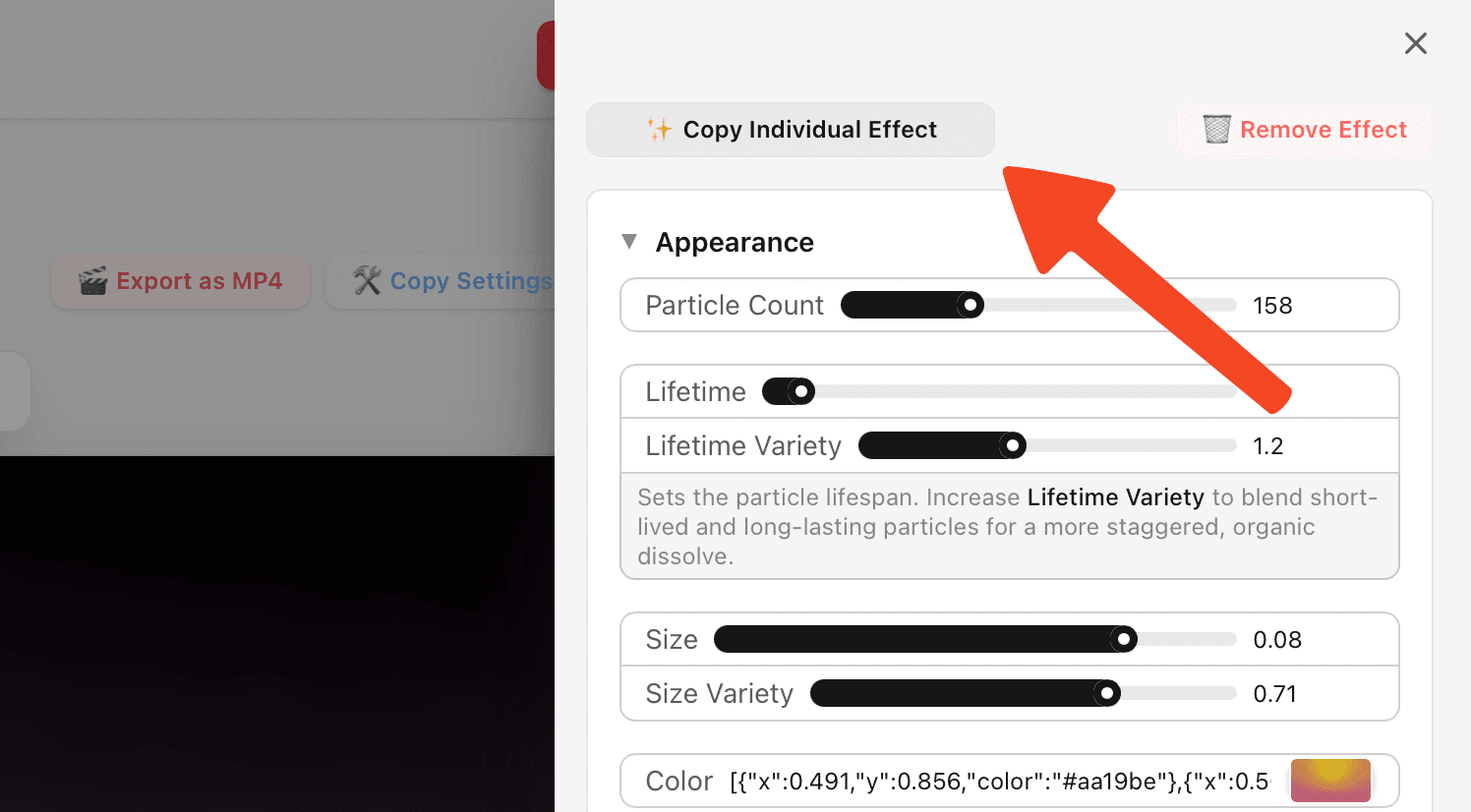
- Open the effect's settings panel.
- Click Copy Individual Effect.
DoraPiano copies the effect's setup to your clipboard, including its appearance, enabled state, depth, label, random seed, and MIDI channel when supported.
Import it into another scene
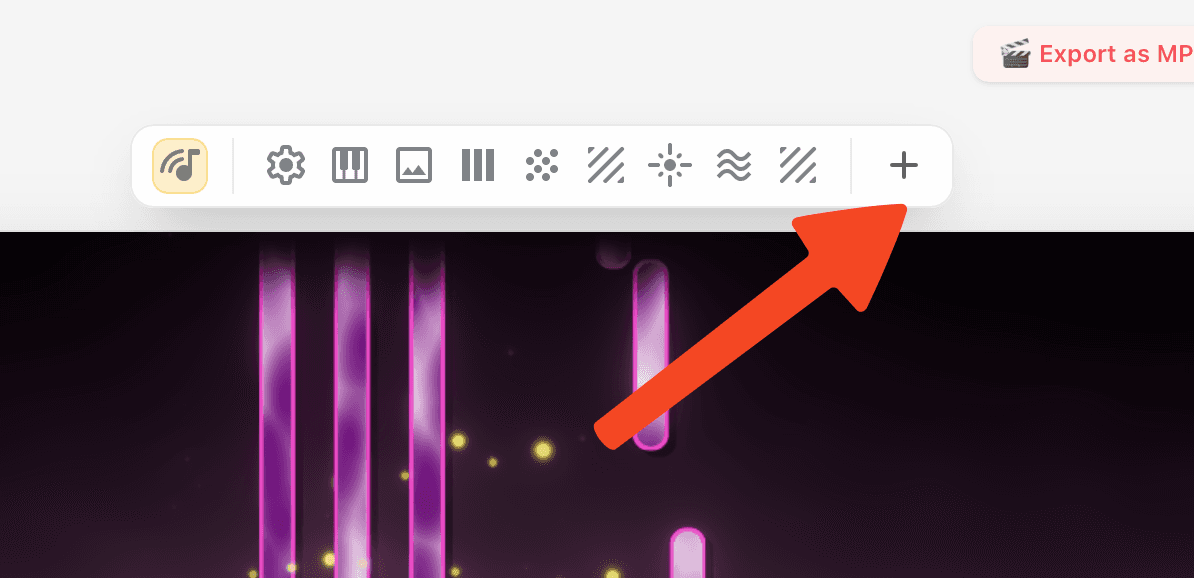
- Open the scene where you want to use the effect and click the + button in the effect toolbar. You can use this shortcut even when you are not signed in.
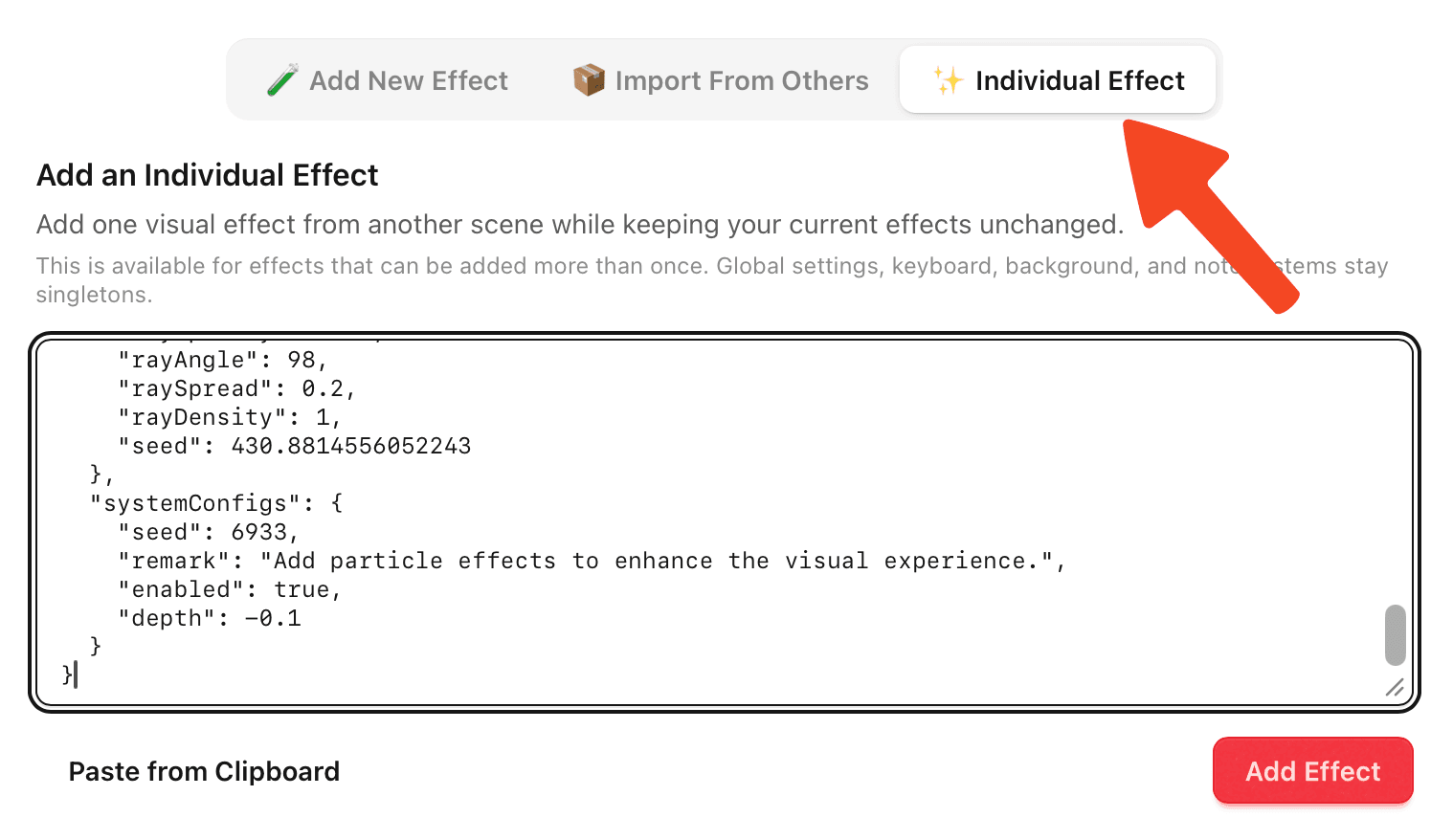
- Choose Individual Effect.
- Click Paste from Clipboard, or paste the copied effect configuration into the text box.
- Click Add Effect.
The result is a new effect with the same appearance and behavior as the original. It can be edited, reordered, enabled, or removed independently from the original.
A useful workflow for multiple channels
Individual Effect is especially useful when several MIDI channels should share the same visual style, but still need a small difference. For example, you can copy a particle effect with the settings you like, add it again for another channel, and then change only its color. The movement, size, timing, and other carefully tuned settings stay the same, while each channel gets its own visual identity.
This is much faster than creating the effect from scratch for every channel, and it also keeps a multi-channel piece looking consistent.
Individual Effect versus full scene import
These two options serve different purposes:
- Individual Effect imports one effect into the current scene and keeps your other effects unchanged.
- Import From Others imports the complete configuration of another piece and replaces the current scene's effect setup.
Use Individual Effect when you want to combine one effect with your existing scene. Use full scene import when you want to start from an entire preset.
Which effects can be reused?
Individual Effect is available for effects that support multiple instances. This includes effects designed to be added more than once, for example when creating different visual treatments for different MIDI channels.
Global settings, the keyboard, the background image, and the note system are singletons. They are not duplicated by Individual Effect, because adding a second copy would create conflicting or overlapping scene systems. The existing full scene import remains available when you need to transfer those settings.
Sharing and saving
The copy button is available for your own scenes and for scenes whose creator allows configuration duplication. Pasting an Individual Effect into your own scene saves it as part of that scene automatically. Changes made while viewing someone else's scene are still preview-only and are not saved to their work.